Overview
Needless to say, this is a continuation of my old post below:
Five years have passed since then. Circumstances have changed. Let’s update the information.
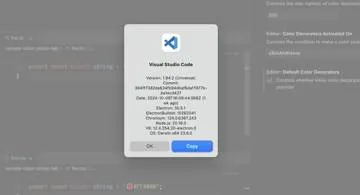
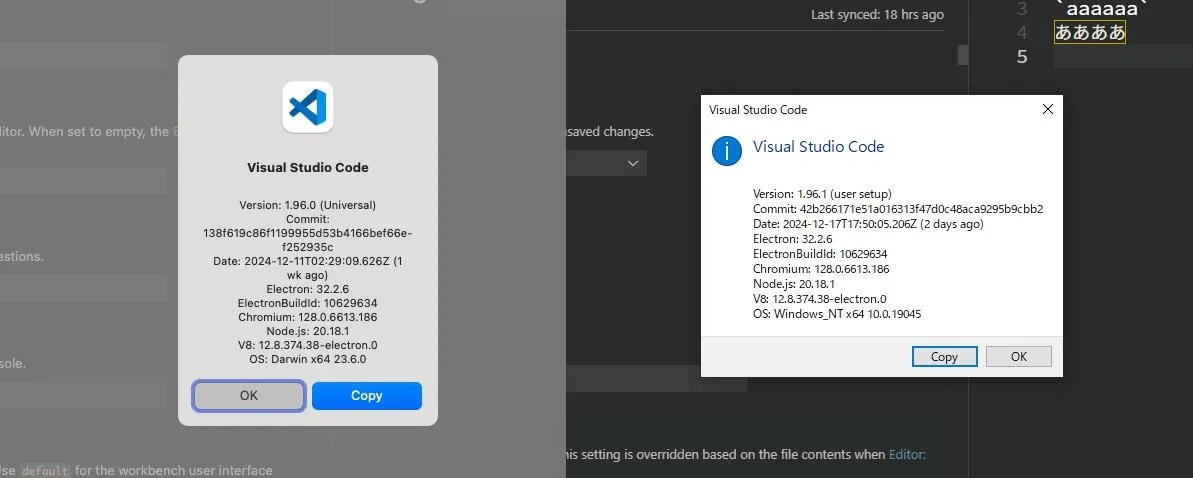
Current VSCode Version
The versions of VSCode on Mac and Windows are as follows:
Conclusion from the Previous Post
- On Windows: MyricaM M or Source Han Code JP
- On Mac: Ricty, Ricty Diminished, or Source Han Code JP
Conclusion This Time
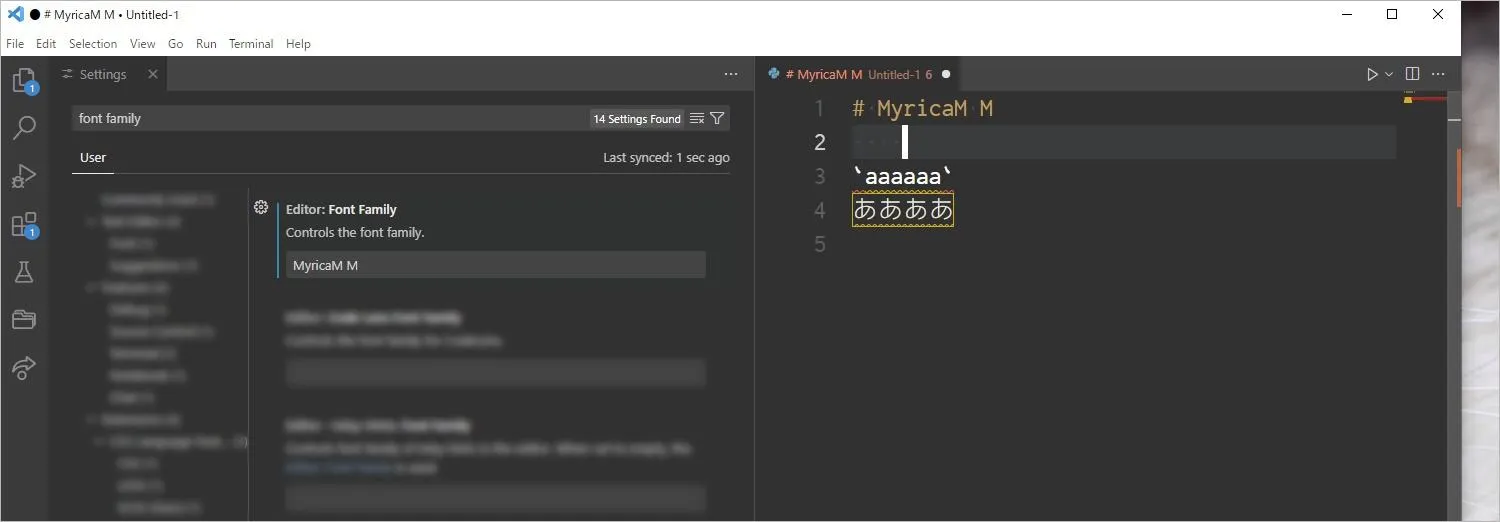
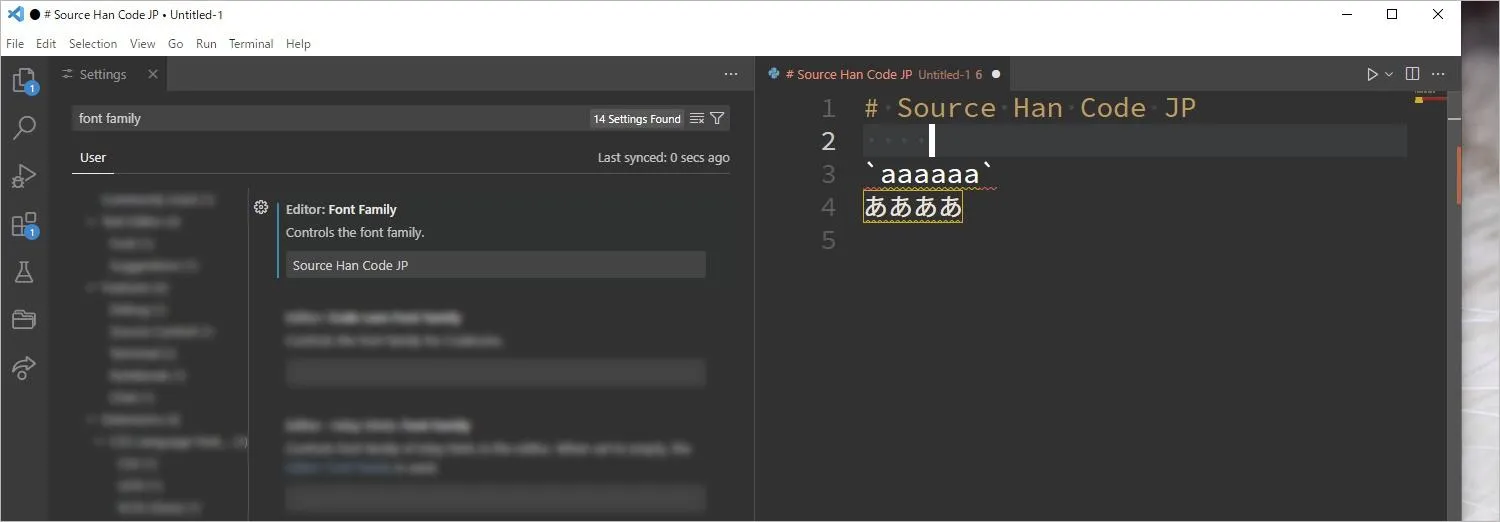
On both Mac and Windows, choose your favorite among Myrica M, MyricaM M, or Source Han Code JP.
| Font | Impression |
|---|---|
| Ricty | Discontinued support (https://rictyfonts.github.io/) |
| Ricty Diminished | Discontinued support (https://rictyfonts.github.io/) |
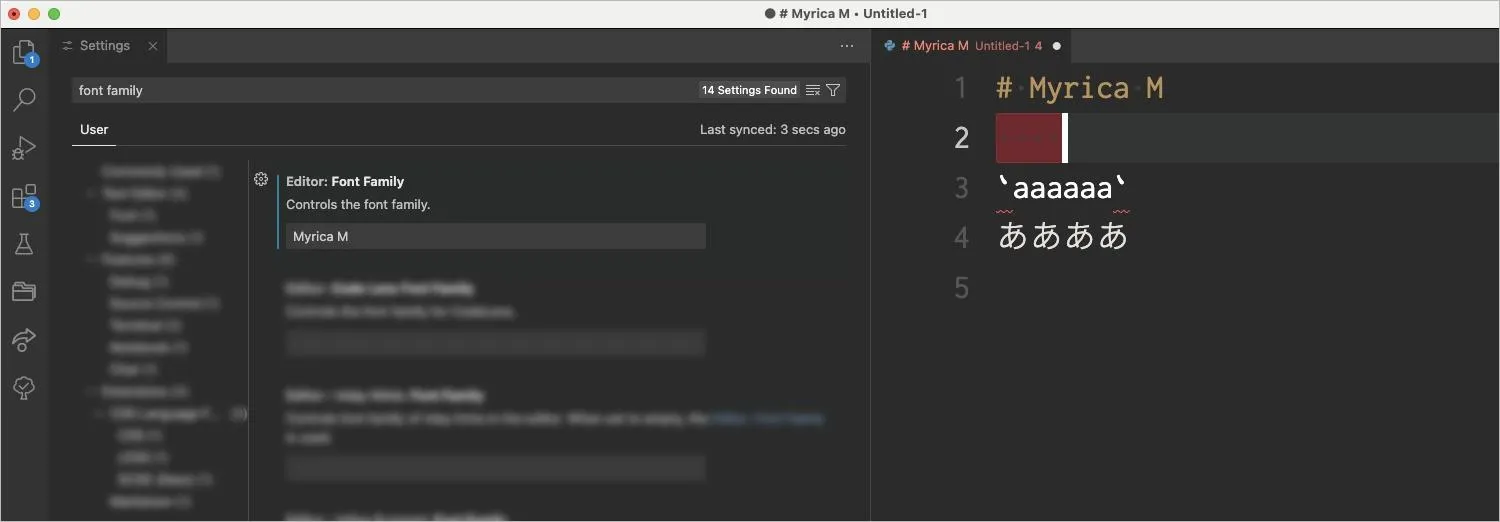
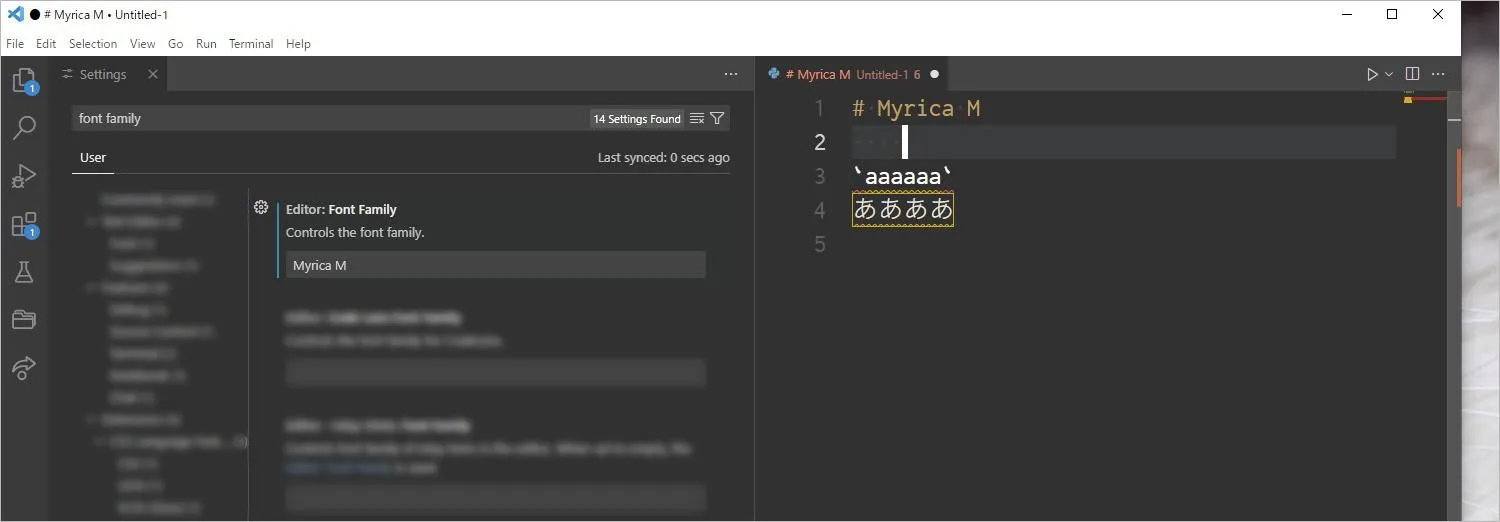
| Myrica M | OK. |
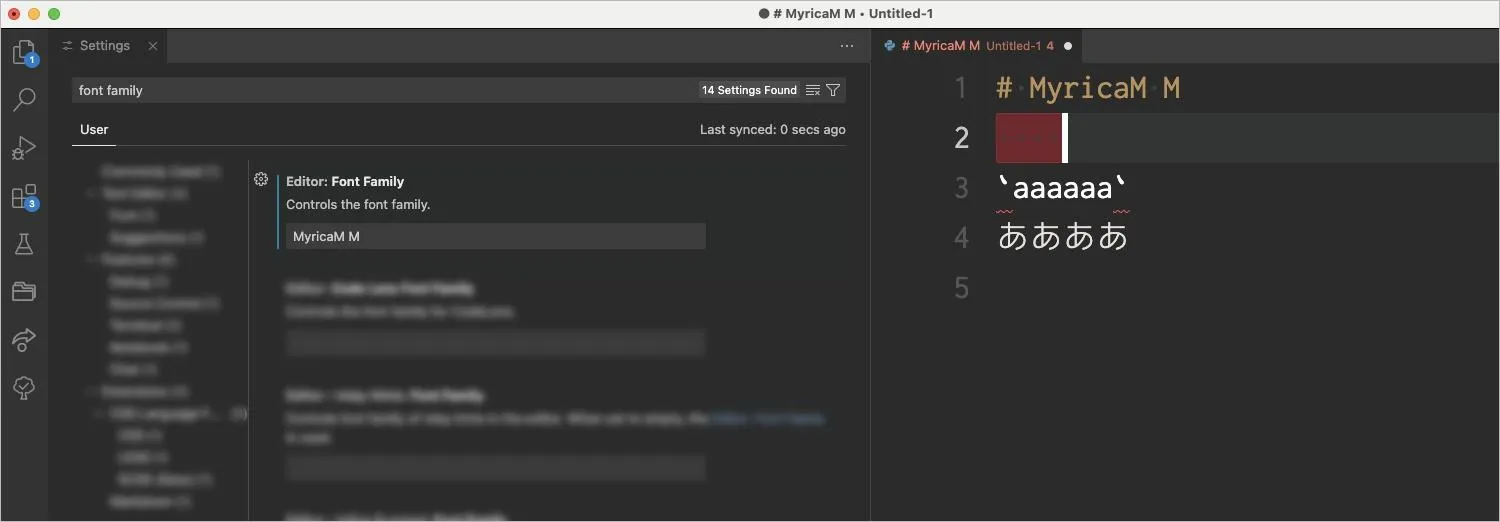
| MyricaM M | OK. |
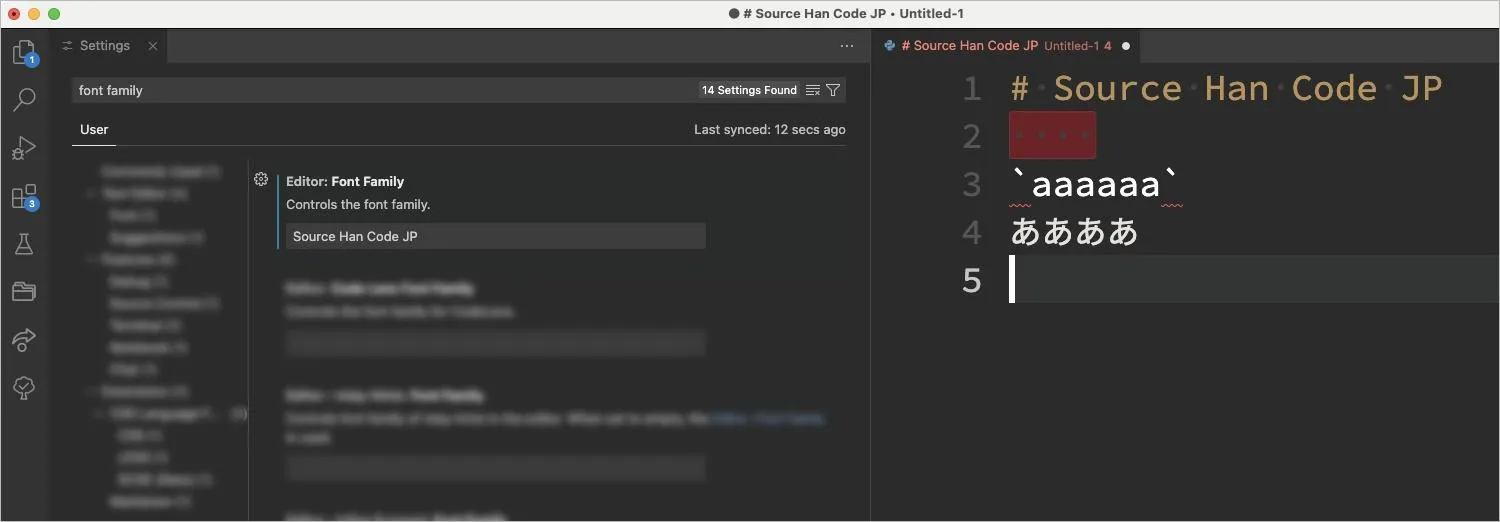
| Source Han Code JP | OK, but note the full-width:half-width size ratio is 2:3 |
Five years ago, some fonts had issues displaying half-width spaces or backticks, and the situation was chaotic—for instance, something might work fine on Mac but not on Windows. The world has changed. In the previous post, I mentioned being "mostly satisfied with VSCode but struggling to choose a font," but I doubt many people are still in that position today.
Mac Screenshots
Windows Screenshots
Obtaining the Fonts
Myrica M and MyricaM M
Download them from https://myrica.estable.jp/, then double-click the TTC file to install.
Source Han Code JP
Download the TTC file from https://github.com/adobe-fonts/source-han-code-jp/releases, then double-click to install.